
Production & CAD
The CAD brief checklist
A design reference shows the look. A production brief explains what must be made.
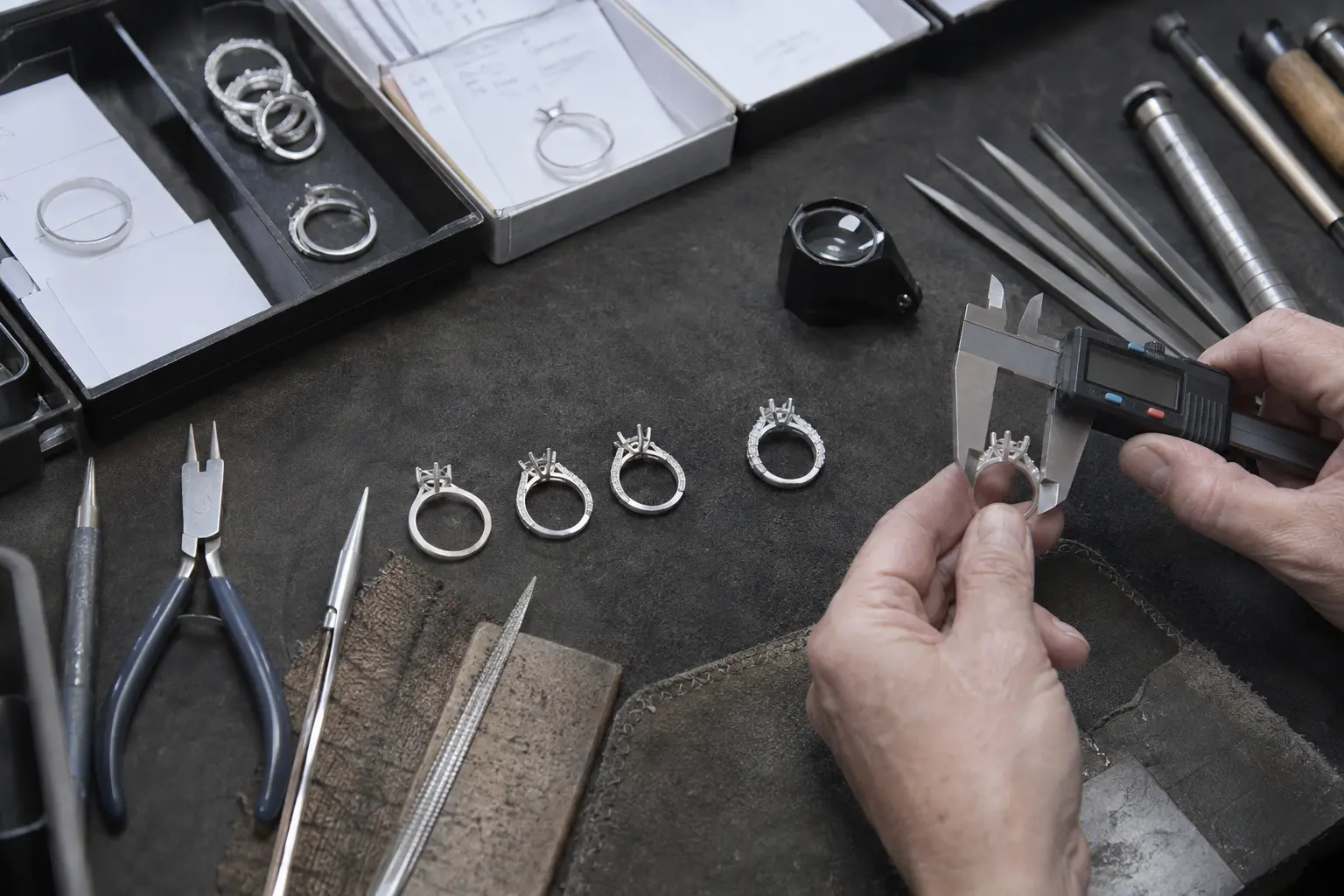
Before CAD begins, agree the purpose of the model and what the delivered file must support. That avoids spending revision time on manufacturing details that could have been stated at the start.
Design intent has to become measurable manufacturing information.
Reference images can establish proportion and character, but they do not define finished dimensions, tolerances, stone fit or the production file required. A useful CAD brief separates fixed requirements from areas where design judgement is still needed.
State the next production stage. A model intended for review is not the same deliverable as a file expected to proceed to manufacture.
Dimensions and units
- State millimetres or another agreed unit.
- Give finished ring size and overall dimensions.
- Identify fixed dimensions and areas open to workshop judgement.
Stones and setting
- Use actual length, width and depth where possible.
- Include shape, quantity, orientation and a numbered stone map.
- Describe setting style, claw profile and any matching requirement.
Manufacturing and files
- State metal and intended manufacturing route.
- Confirm minimum sections or tolerances where your process requires them.
- Name the required export format, source-file expectation and revision scope.
Common CAD brief problems
- Mixing millimetres and other units without stating the conversion.
- Providing carat weight where exact stone dimensions are needed.
- Leaving ring size, finished width or critical thickness undefined.
- Requesting an unspecified “CAD file” without naming its purpose.